
Effortless Large File Transfers to and From Jellyfish by OWC
Trusted by industry leaders
.svg)

.svg)

.svg)
Helping You Get the Most out of OWC Jellyfish

The Challenge
Quickly and securely sharing files to or from Jellyfish isn’t easy.
- Wasted time: Transferring large media files in and out of Jellyfish often means wasted time and the potential for unnecessary errors.
- Lost files: Remote contributors don’t always know where to send files, causing confusion and potentially lost packages.
- Complex workflows: IT needs to configure permissions and manually shuffle files into the right location, increasing operational overhead.

The MASV Solution
File sharing to or from OWC Jellyfish, simplified.
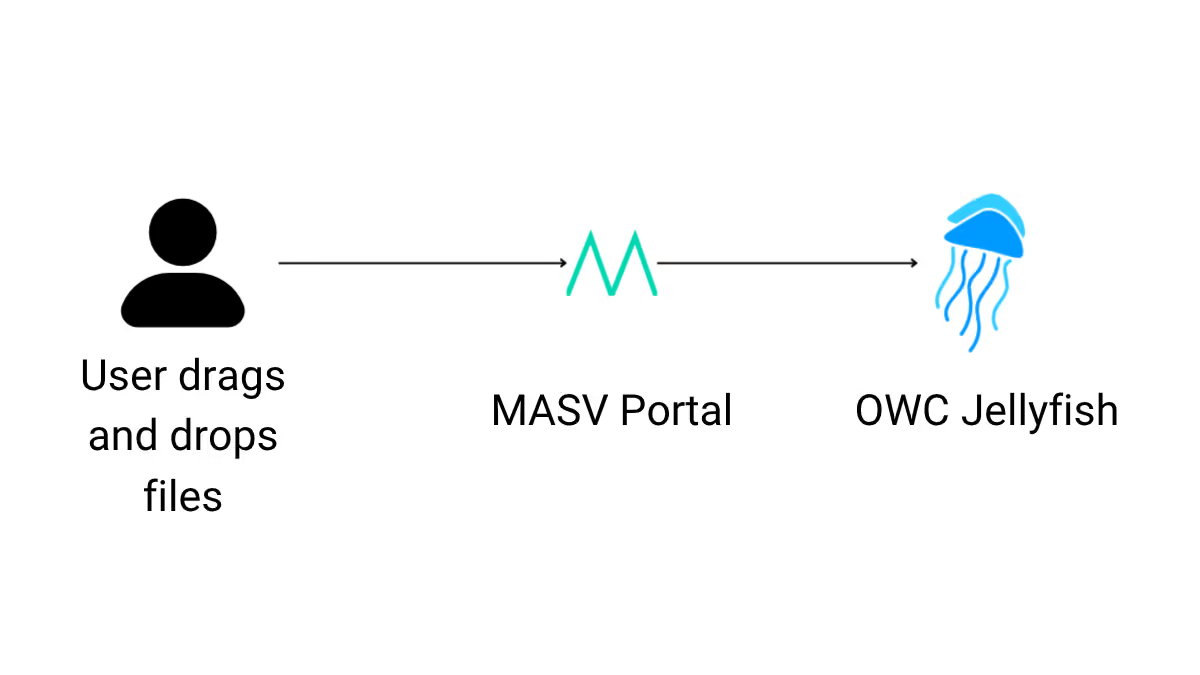
- Securely deliver files to the right Jellyfish server with no logins, VPNs, or training required. Just share a link and collaborators can upload, download, or automate transfers, eliminating tedious manual setup and file wrangling.
Key Features of the MASV + Jellyfish Integration

No file size limits
Upload multi-terabyte files without traditional tooling constraints – ideal for high-resolution video, VFX plates, and project archives.

Secure and encrypted
All data is encrypted in transit and at rest, backed by MASV’s enterprise-grade security posture.

Direct to destination
Automatically land files in the right Jellyfish share or folder with no repeat transfers or shuffling on a local workstation.

Simple for anyone
Share a branded MASV link so non-technical collaborators can upload directly into Jellyfish using drag-and-drop tools – no accounts, plugins, or VPN required.

Flexible Pricing
Transparent pricing plans that suit the requirements of any organization, with no long-term contracts.
Set Up Your MASV-Jellyfish Integration
Step 1:
Enable the MASV Storage Gateway in Jellyfish Manager. Enter the ID and Secret from the MASV Integration page.
Step 2:
In MASV, create a Portal and select your Jellyfish destination (share/folder) for direct ingest.
Step 3:
Share the Portal link with your team or clients to start receiving files anytime, from anywhere.


Use Cases

Editing teams
Speed up handoffs and start cutting sooner with near real-time direct-to-storage ingest.

Post-production
Move dailies, turnovers, and conforms into Jellyfish without babysitting transfers.

Remote collaboration
Empower off-site editors, VFX artists, and freelancers to contribute directly to Jellyfish via MASV Portals.

On-set and field teams
Offload OCM and dailies from set directly to Jellyfish storage and access using MASV Remote Files.

Agencies
Deliver campaigns at scale with branded Portals and clear file path routing.
Related integrations

Amazon S3

Microsoft
.svg)
Storj
Frequently Asked Questions
No. MASV supports multi-terabyte transfers and is designed for very large media files, and supports file packages of unlimited size.
MASV maintains an enterprise security posture suitable for professional media workflows. MASV secures data with at-rest and in-flight encryption on file packages in flight and at rest, strict access controls, and compliance with industry standards to ensure your files remain private and protected during transfer and storage.
Yes. Use Remote Files in MASV to browse your Jellyfish and send packages directly with no local copy or physical access to the Jellyfish required.
No. MASV can act as a secure link to shared storage without configuring storage access for each user. Contributors can simply receive a MASV Portal link to upload files directly into Jellyfish without accounts, logins, or VPNs. Security and authentication can be enabled as needed, per portal.
Most teams can get up and running in minutes by enabling MASV Storage Gateway in Jellyfish Manager, adding the ID & Secret, and creating a MASV Portal.
No. MASV handles transfers efficiently in the background, so editors and creatives can continue working without disruption.
MASV uses checkpoint restart and relentless retries to ensure every file resumes from where it left off, with no need to start over. MASV store-and-forward transfer sends files to the MASV cloud before they’re sent to the recipient – with no impact on performance – so if there’s an outage on the recipient side, the transfer won’t fail.



