
The World’s Fastest File Transfers Just Got Faster




.svg)
.svg)


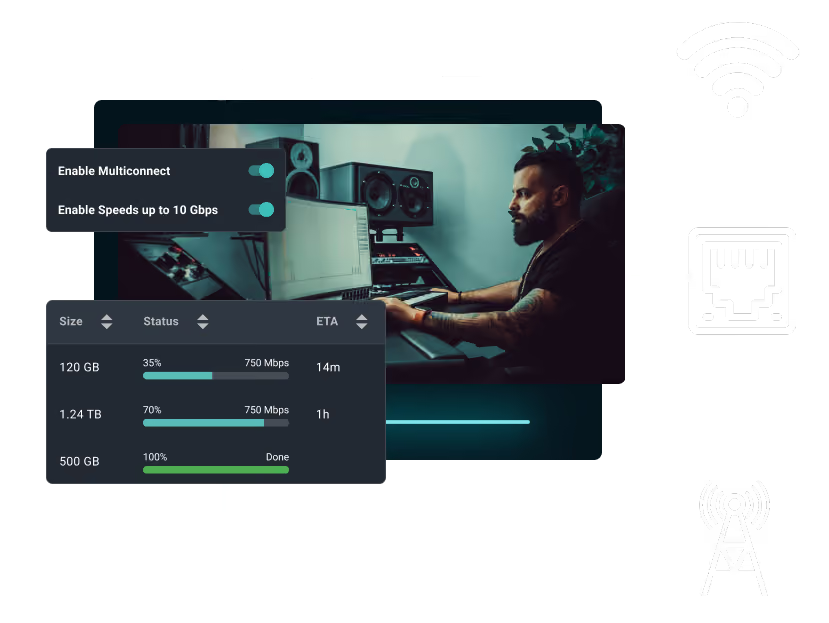
3X Your Uploads with Channel Bonding

Intelligent Routing

Lightning Fast Uploads

Seamless Failover

Built for Any Use Case With a Need for Speed

Remote Locations & Live Events

Road Warriors & Hotel Wi-Fi

Studio Environments
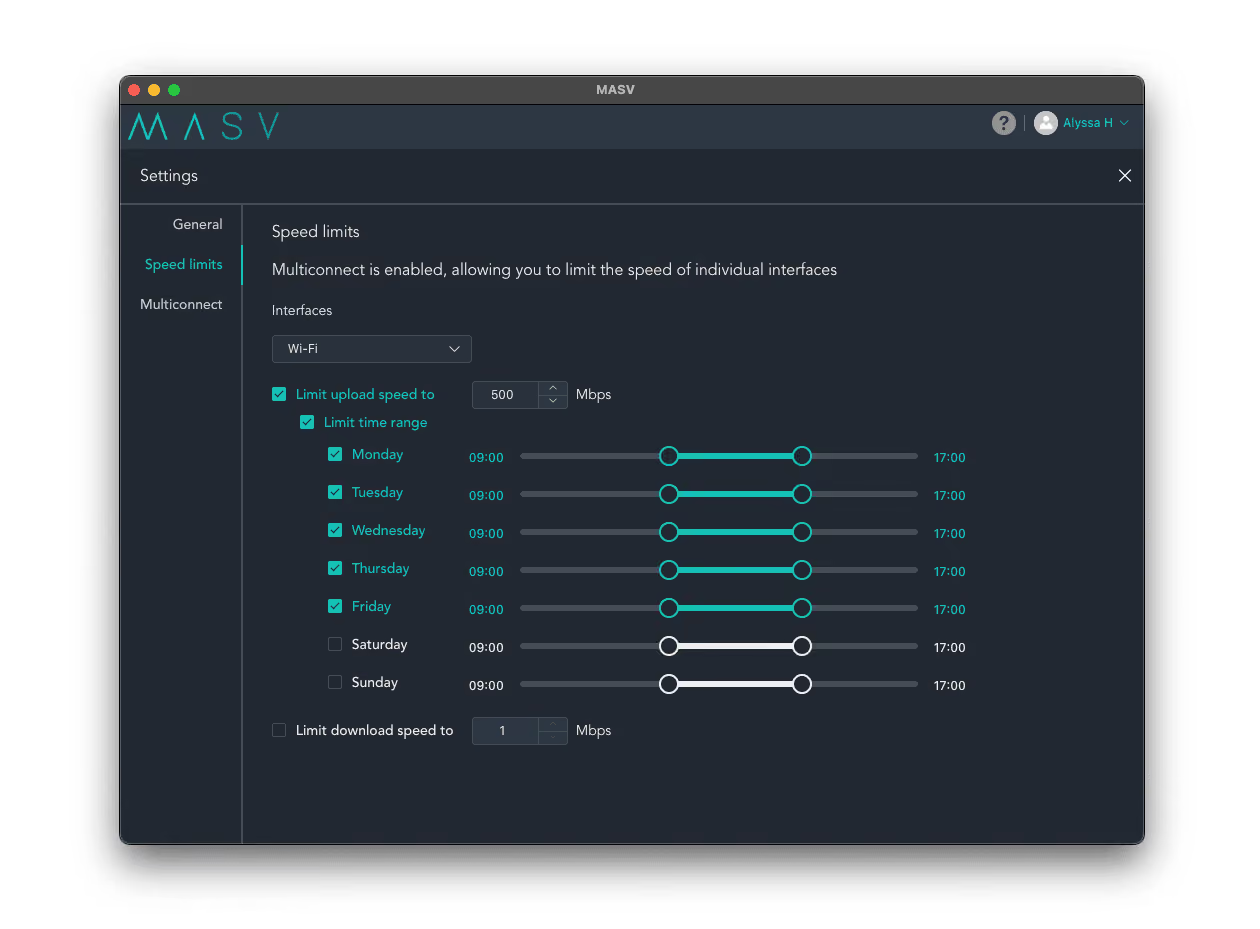
Maintain Complete Control Over Your Network
The Real-World Stress Test
We stress-tested Multiconnect using 10GB of ProRes LT files, running each test three times for accuracy. Local storage (1TB NVMe SSD) was benchmarked at 1880 MB/s read and 2279 MB/s write to ensure hardware speeds wouldn't bottleneck the results.
Key Takeaways:
- Boosted Uploads: Combining 5G with Wi-Fi increased upload speeds from a sluggish 14 Mbps to over 300 Mbps.
- Maximized Potential: Bonding wired and 5G connections achieved near-gigabit downloads (985 Mbps) and optimized upload velocity.
- The Bottom Line: Channel bonding eliminates the choice between speed and reliability, maximizing your available bandwidth.
Activate Multiconnect in Just Three Clicks
Multiconnect is ready to use out of the box, with no complex IT configurations required:
- Download: Install the MASV Studio (Windows, macOS, or Linux).
- Connect: Plug in your Ethernet cable and connect to your Wi-Fi or mobile hotspot.
- Toggle: Open App Settings > Multiconnect, toggle the switch to Enabled, and select your active networks. MASV handles the rest.
Why Customers Love MASV



Frequently Asked Questions
Channel bonding—also known as bonded internet, network bonding, a bonded channel, or Ethernet bonding—is the combining of two or more internet connections (such as Ethernet, Wi-Fi, or cellular) into a single, more powerful connection. It typically involves a primary channel and a secondary channel, and is a little like load balancing for your file transfer. This is to maximize the total connection bandwidth by spreading file uploads and downloads across those networks. If you bond a wired Ethernet connection with Wi-Fi, for example, data is uploaded or downloaded through both channels at once—significantly accelerating the process and providing a failsafe if one of your networks goes down.
Network bonding is particularly useful when working with low or unreliable connectivity or when transferring large files, as it can prevent network bottlenecks that often occur with a single connection.
You can only bond networks that are different from the one you are currently using. For example, if your phone and computer are sharing the same Wi-Fi, they are on the same network and can’t be combined. In this case, you need to use your phone’s data plan to open up a new network source for Multiconnect to work.
Some examples of networks you can connect:
- Wi-Fi (+ Wi-Fi dongles)
- Ethernet
- Cellular data (3G/4G/5G)
- Tethered smartphone
- Satellite internet like Starlink
MASV is here to help media and data professionals send and receive projects on time no matter what, so we’re always trying to find new ways to accelerate your projects.
Multiconnect is ideal for:
- Busy newsshooters on the go
- Film crews shooting on location
- Remote workers and staff working from home who need additive “burst” bandwidth to upload huge assets on deadline
- Anyone who needs to send or receive massive files like large video content with maximum reliability and speed
There’s no extra charge to use MASV Multiconnect – it’s an inherent part of the MASV service. Your files are transferred at maximum speed for no extra cost.
It’s important to remember that if you tether to your mobile or satellite devices, those charges will still apply and are separate from MASV. Plan accordingly. We’ll make sure your files get delivered on time.



