
Receive Large Files With the Ultimate File Uploader




.svg)
.svg)


The Best File Uploader for Your Team

Prove You’re a Pro with Branded Upload Pages

Automate File Routing and Tame the Chaos
Build Your Ingest Pipeline
Your Developers Have Better Things to Build

Universal Embedding

Uncapped File Package Sizes

White-Labeled Branding

Automated Cloud Routing

Custom Metadata Forms

Strict Upload Rules

Developer-Friendly API

Custom File Routing

Enterprise-Grade Security
A File Uploader as Unique as Your Workflow
1. Create a Shareable Link
2. Embed On Your Website:
3. Add Automation to Your Pipeline
Frequently Asked Questions
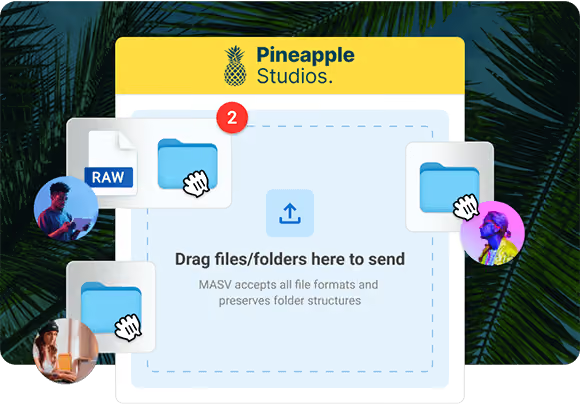
With MASV, you simply create a Portal (a dedicated upload page) and share its unique URL with your contributor. They click the link, drag their files into the browser-based Portal, and the files are securely delivered to you.
No. The person receiving the files (you) manages the account. The contributor sending the files experiences zero friction – no account creation, software installation, or cost to them.
No. Unlike email or basic cloud drives that cap files at restrictive limits, MASV has no limits on file package sizes. You can safely request and receive multi-terabyte media files and raw data without issue.
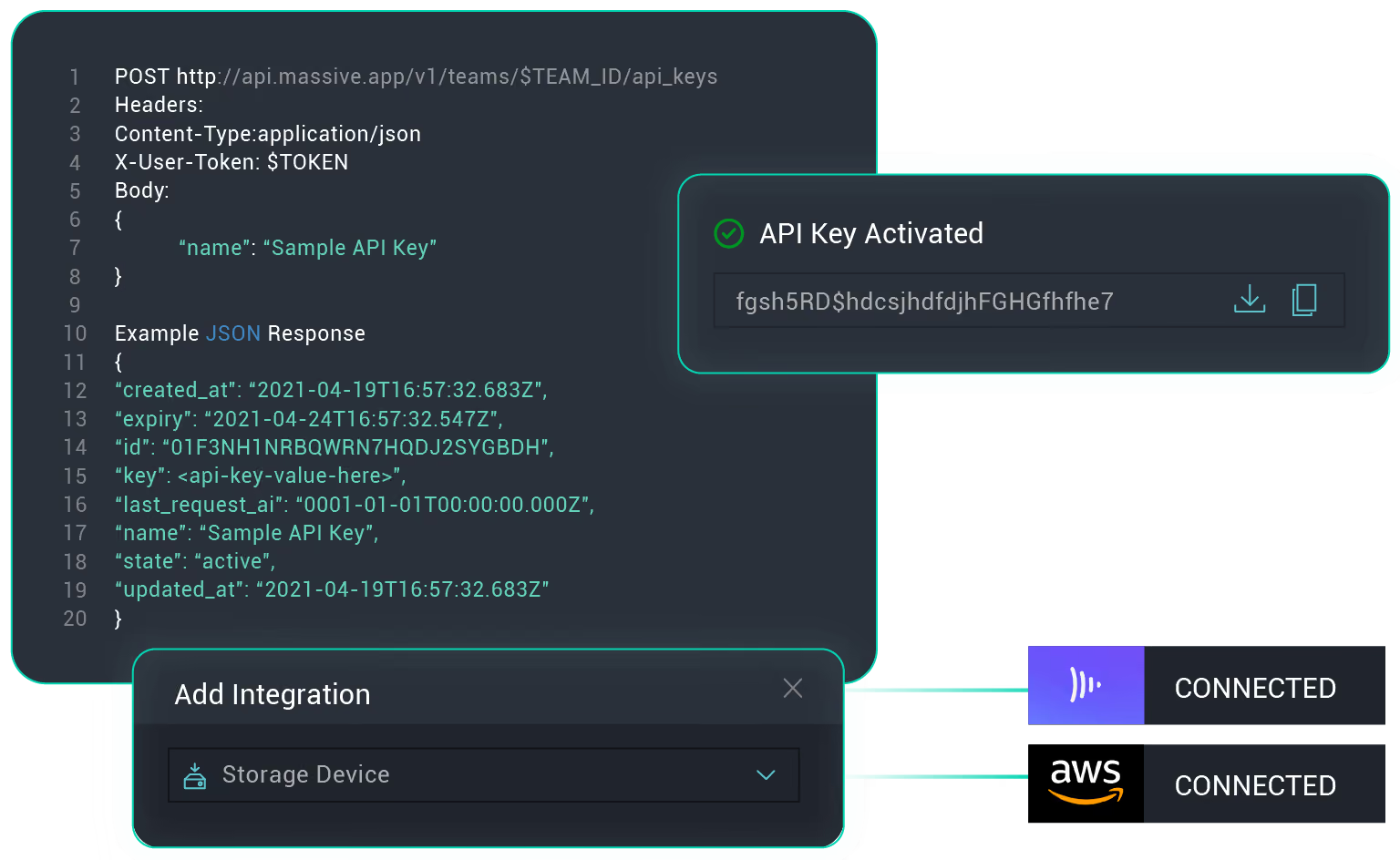
Yes. You can connect your MASV file uploader to dozens of native cloud integrations, or practically infinite custom integrations. When your client uploads their files, MASV automatically routes them directly to your designated Amazon S3 bucket, Google Cloud Storage, or anywhere else you want them sent.
Absolutely. All files collected via MASV are encrypted in transit (TLS 1.2+) and at rest (AES-256). MASV operates under the strictest global data security standards, including the Trusted Partner Network (TPN), SOC 2 Type II, and ISO 27001:2022.
Yes. You can use the MASV API to programmatically generate unique upload Portals. Trigger a new file request link based on actions in your own software, such as onboarding a new client or starting a new project sprint.
The ability to enforce strict upload rules mean Portal administrators can restrict inbound transfers to specific file extensions (such as disallowing .exe files), enforce mandatory file naming conventions, and cap the maximum package size.



