MASV
/
Alexandra Marriott
Alexandra Marriott bio photo

Alexandra Marriott

Freelance Contributor

Alexandra Marriott is a skilled video creator with a background in video editing, filmmaking, and creative content production across a variety of formats, including documentaries, films, promotional content, and social media. During her time at MASV, she contributed her expertise in production, camera work, and post-production to deliver engaging video projects.

Blog Posts

Thumbnail-style graphic of a woman beside the DaVinci Resolve logo and a keyboard, with text reading “Top 15 Shortcuts” and “Edit Faster!Thumbnail-style graphic of a woman beside the DaVinci Resolve logo and a keyboard, with text reading “Top 15 Shortcuts” and “Edit Faster!Thumbnail-style graphic of a woman beside the DaVinci Resolve logo and a keyboard, with text reading “Top 15 Shortcuts” and “Edit Faster!
Tutorials

Tutorial: The Best DaVinci Resolve Keyboard Shortcuts

Accelerate editing and color grading workflows with these DaVinci Resolve keyboard shortcuts practically guaranteed to make you more efficient.
“Best Export Settings” with a woman pointing at the text and the Premiere Pro logo.“Best Export Settings” with a woman pointing at the text and the Premiere Pro logo.“Best Export Settings” with a woman pointing at the text and the Premiere Pro logo.
Tutorials

How to Export Video for Broadcast in Premiere Pro

Export video for broadcast in Premiere Pro with the correct frame rates and audio using this step-by-step tutorial guide by editor Alex Marriott.
Woman pointing to “Advanced Color Grading” text on a colorful background with a DaVinci Resolve logo.Woman pointing to “Advanced Color Grading” text on a colorful background with a DaVinci Resolve logo.Woman pointing to “Advanced Color Grading” text on a colorful background with a DaVinci Resolve logo.
Tutorials

Mastering Advanced Color Grading in DaVinci Resolve

Level up your advanced color grading game in DaVinci Resolve with these tips and tricks from a seasoned post-production professional.
“12 Premiere Pro Plugins for Fast Editing and Special Effects,” with a person editing video at a computer.“12 Premiere Pro Plugins for Fast Editing and Special Effects,” with a person editing video at a computer.“12 Premiere Pro Plugins for Fast Editing and Special Effects,” with a person editing video at a computer.

12 Premiere Pro Plugins for Fast Editing and Special Effects

Learn about the best Premiere Pro plugins for repairs and improvements, color grading, VFX, motion graphics, and improved workflows.
Thumbnail-style graphic of a woman holding up the DaVinci Resolve logo, with large text reading “Must Have Plugins.”Thumbnail-style graphic of a woman holding up the DaVinci Resolve logo, with large text reading “Must Have Plugins.”Thumbnail-style graphic of a woman holding up the DaVinci Resolve logo, with large text reading “Must Have Plugins.”
Tutorials

The Best Plugins for DaVinci Resolve 2024

Check out this of the best plugins for DaVinci Resolve for 2024. Browse top DaVinci Resolve add-ons and unlock a whole new level of creativity.
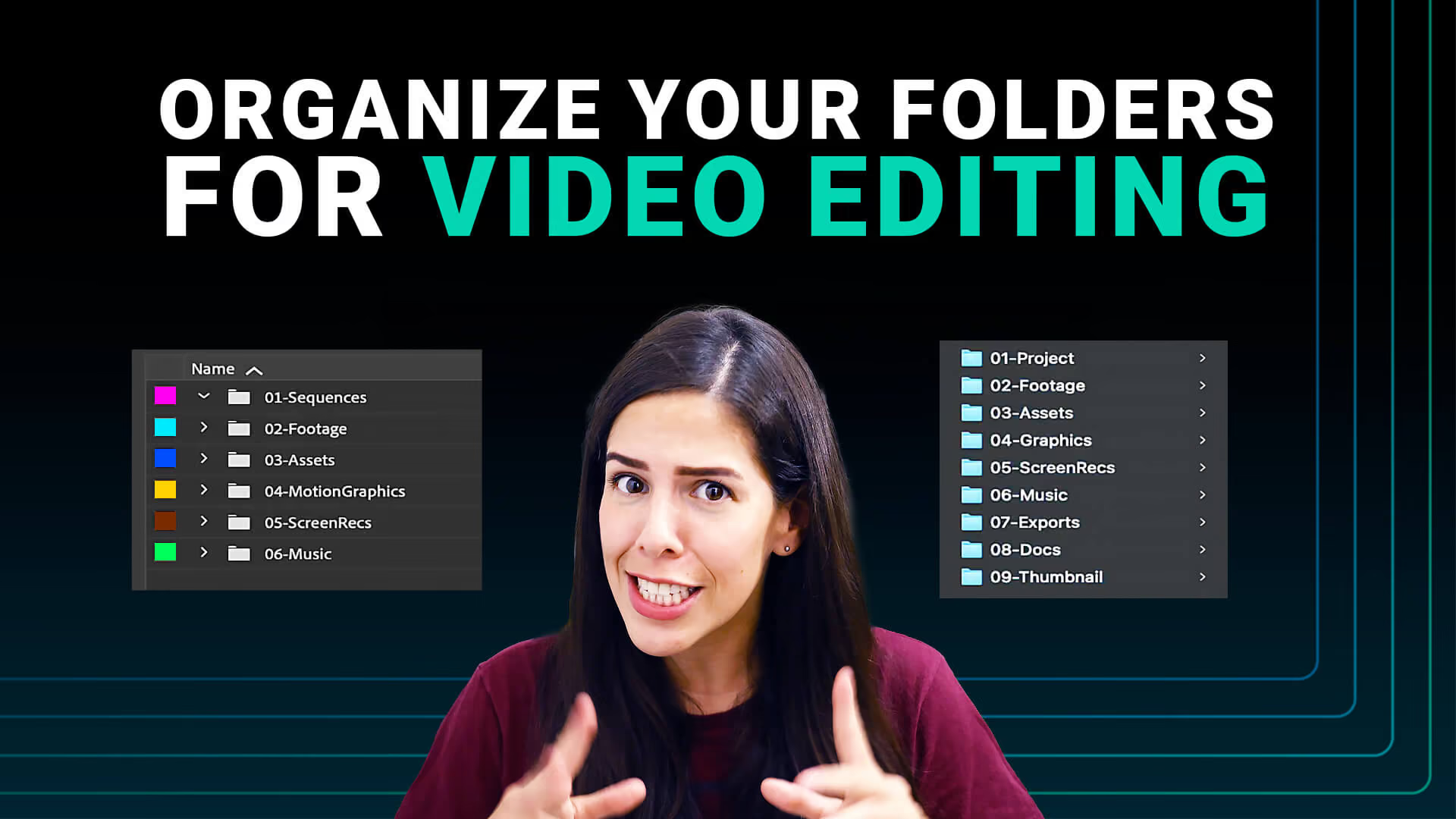
Woman gesturing beneath the text “Organize Your Folders for Video Editing,” with folder list examples on both sides.Woman gesturing beneath the text “Organize Your Folders for Video Editing,” with folder list examples on both sides.Woman gesturing beneath the text “Organize Your Folders for Video Editing,” with folder list examples on both sides.
Tutorials

How to Organize Your Media Folders for Editing

To help optimize your video editing workflow, we’ve got some media organization tips to help you create the most efficient folder structure. Read more!

Workflow articles

Premiere to DaVinci Workflow

With a Premiere to DaVinci workflow, editors and colorists can share pre-conformed timelines between each other and on shared workstations.

Video File Naming

Implementing a proper video file naming convention can boost your efficiency. Discover the best practices for naming your video files. Read now!